3.4.3 Edit Results button
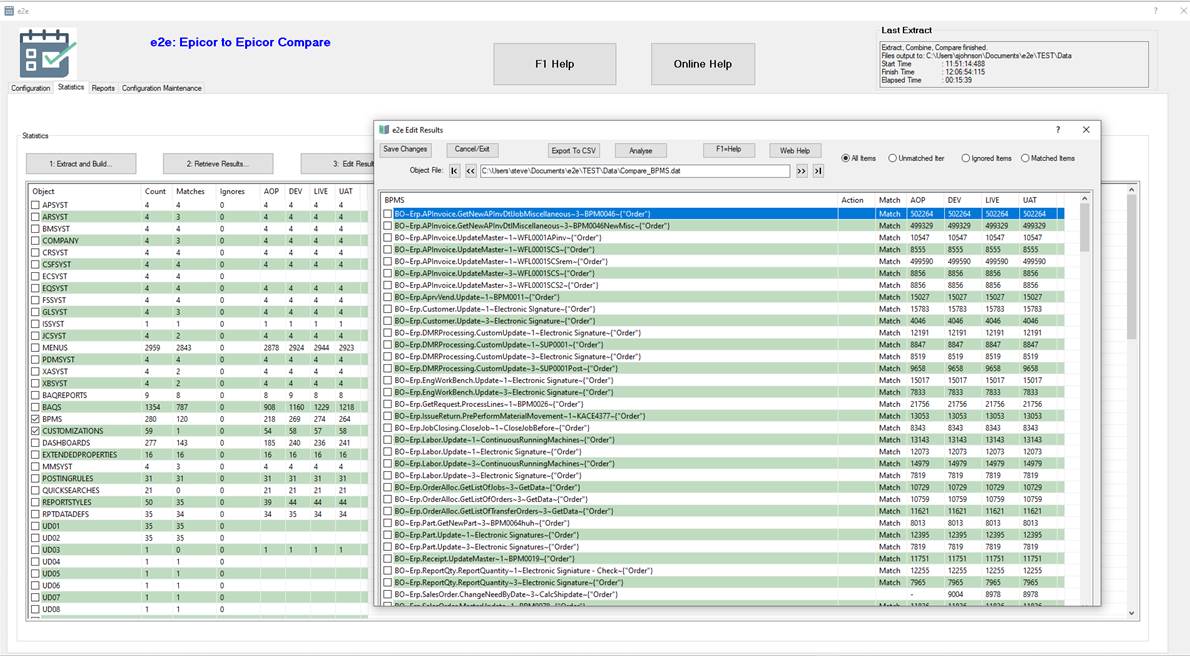
Select one or more items in the Objects list and click on “Edit Results” button to launch a pop-up screen and review. In the pop-up program you can set the “Ignore” flag on selected objects in order to exclude them from the “matched” results.
See the screenshot below for an example.
For more information see the “Edit results” help file.