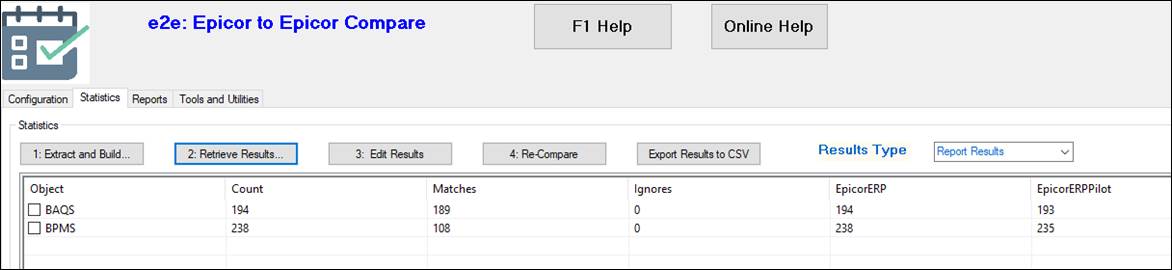
Example:
There are 4 environments: DEV, TEST, PILOT and Live.
To prepare for go-live the BAQs and BPMs in PILOT and LIVE need to be compared.
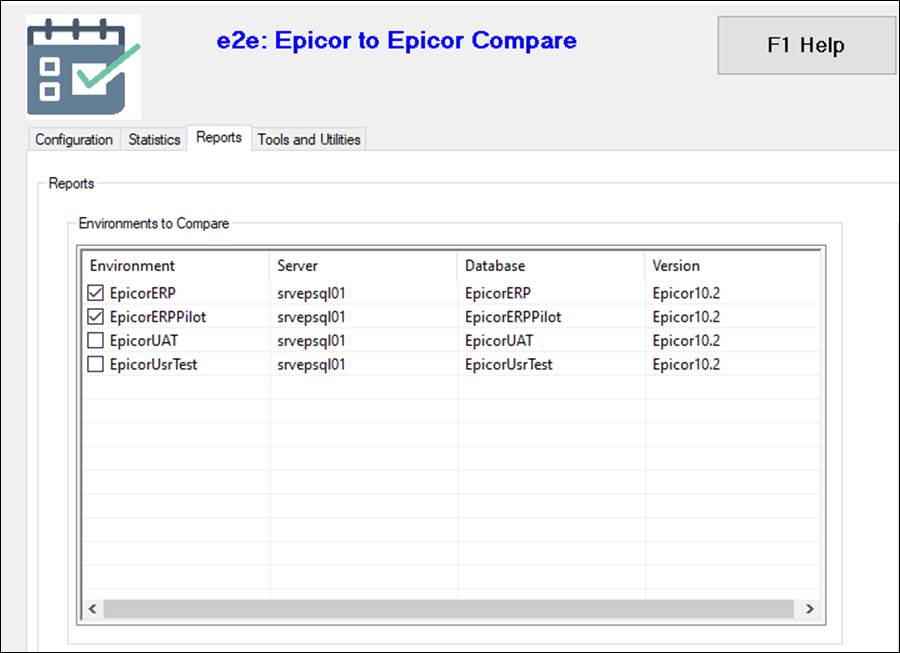
1. In the main screen Reports tab these two environments (PILOT and LIVE) are selected
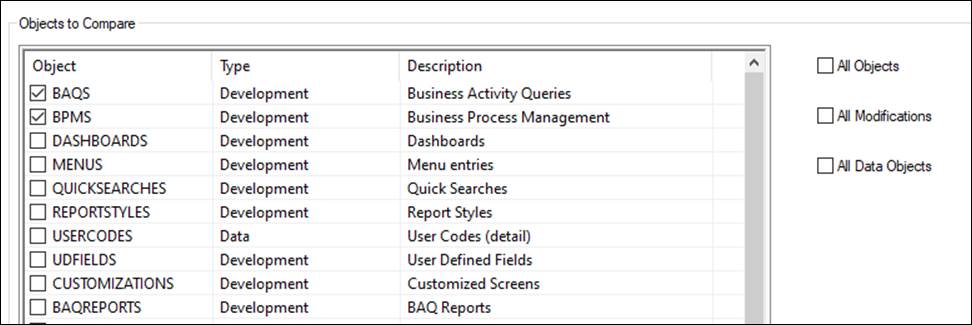
2. Then BAQs and BPMs ONLY are selected. The quickest way to do this is Untick All Objects, then tick BAQS and BPMS
3. The Report button is pressed.
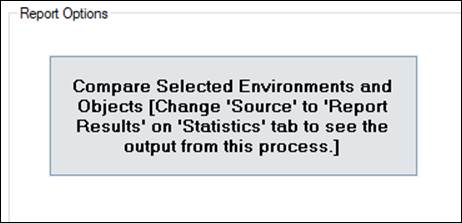
4. Once complete switch to the Statistics tab.
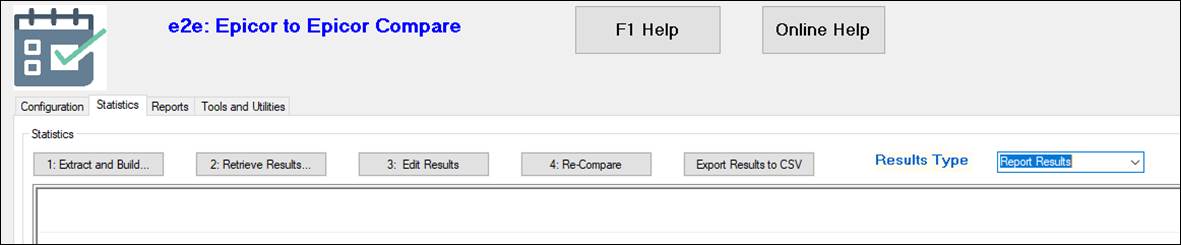
5. Select the “Report Results” from the Results Type drop-down
6. Click on 2: Retrieve Results button.