1. Click on the Print icon


2. Select the e-mail report style (if not the default style).

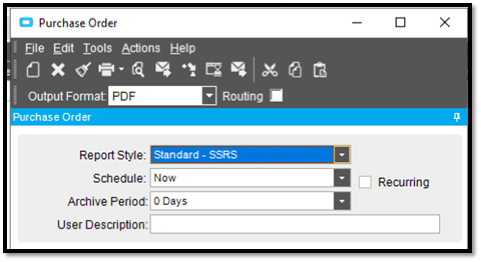
3. Click on Print Preview
4. When the print preview pops up, click on print…


5. Then choose PDFCreator…

6. The output is generated in the background by Epicor, transferred to p2e, which then interfaces with Outlook to create the e-mails. Depending upon the individual document settings this may be completely transparent unless some user intervention is required (such as a lack of e-mail in the data).